Stop lining up takes by hand.
Music Sync matches camera scratch audio to your master song and builds reviewable DaVinci Resolve timelines.
For music-video performance takes on Apple silicon. $49 per month.
Choose your monthly plan.
USD · Apple silicon · Cancel renewal anytime.
Already own Music Sync? Add Multi-Up for $19/month.
Your takes.
Inside Resolve.
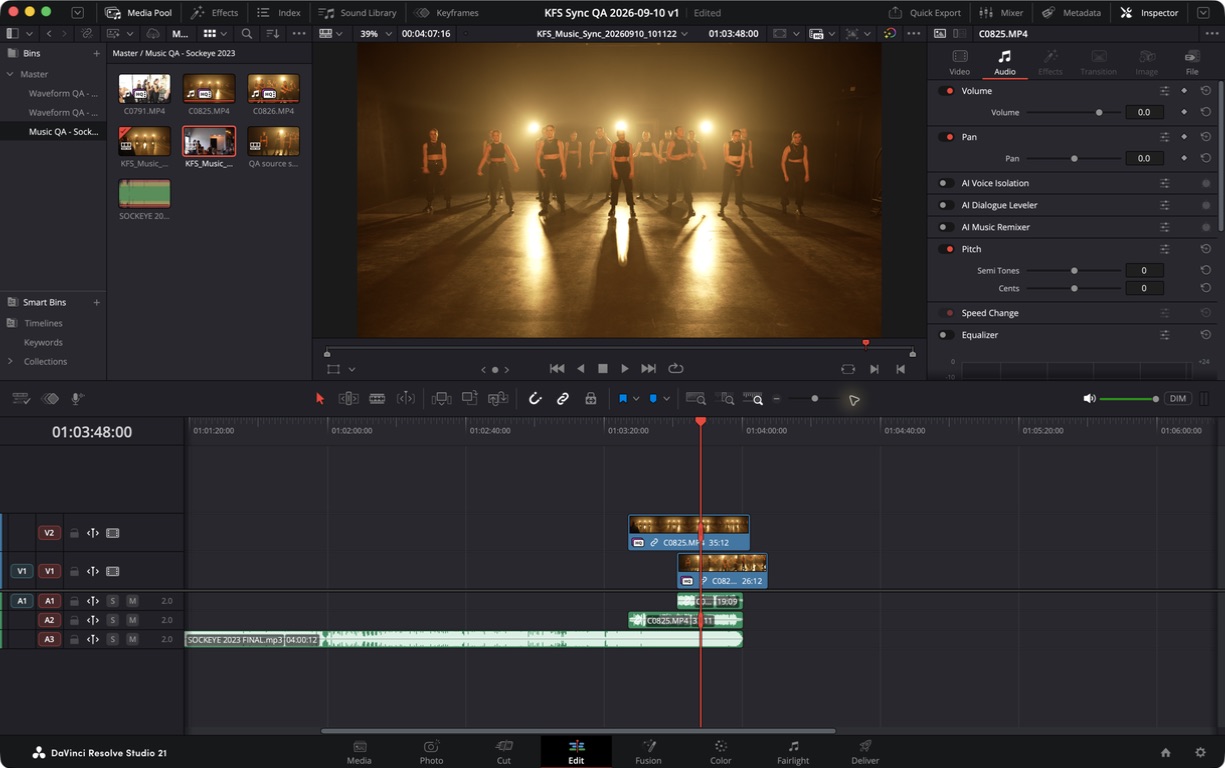
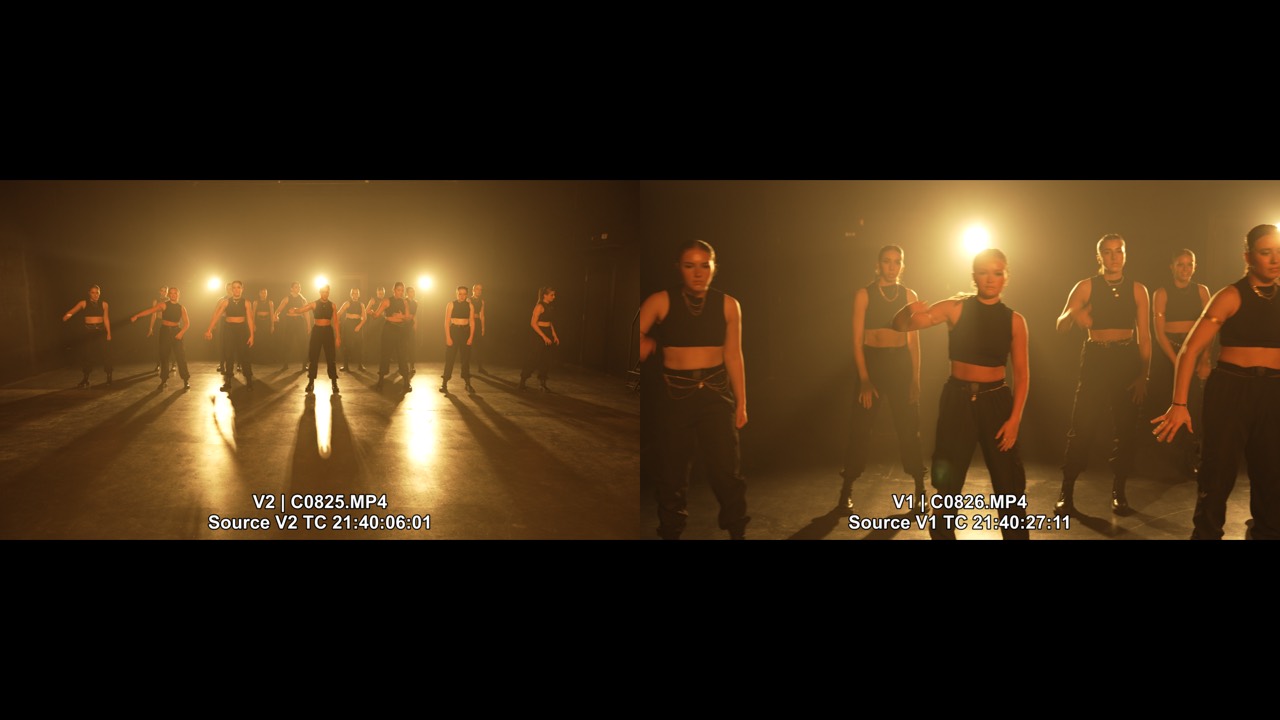
Match your takes to the song, then review the camera angles together. Clip names, tracks and source timecode help you find the take you want.
Choose the review tools you need.
Sync $49/month. Sync + Multi-Up $68/month. All four tools $99/month. USD, billed monthly.
From a folder of takes to a timeline you can review.
False starts, repeated choruses and partial performances make manual sync slow. Music Sync finds where the recorded song belongs, so you can begin the edit.
- 01
Choose the song and clips.
Start with the mastered song and camera footage already in your Resolve project.
- 02
Match the recorded audio.
Music Sync compares the song with each clip’s scratch audio. It is matching performances, not placing beat markers.
- 03
Review, then make your edit.
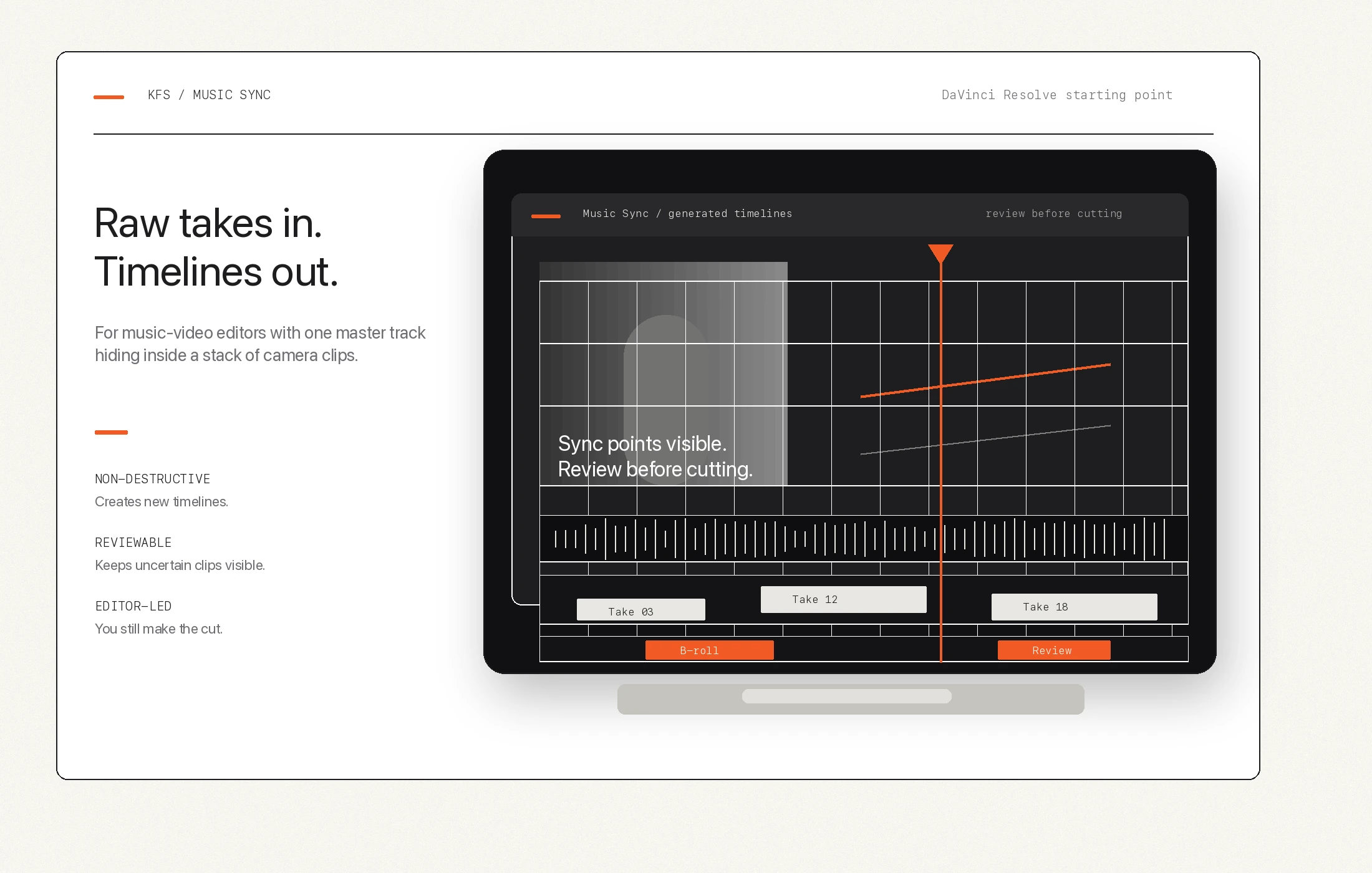
Open the new timelines. Check the matches and keep uncertain or unmatched clips available as b-roll.
A starting point.
You make the cut.
Music Sync creates new timelines and leaves original media intact. Quiet playback, distortion and difficult takes can still need a manual check.
Working with dialogue or a separate recorder? Waveform Sync is built for that job.
Choose the review tools you need.
Sync $49/month. Sync + Multi-Up $68/month. All four tools $99/month. USD, billed monthly.
Need more help?
Contact us to hire us for support or custom solutions.
Good to know.
What happens after purchase?
Stripe confirms your payment and sends you back to your account. Save your activation key, download the installer for your system, and activate with your checkout email and key.
Does cancellation delete my work?
No. Cancelling renewal stops future subscription billing at the end of your paid period. Existing media and generated Resolve timelines are not deleted. New sync work requires an active licence.
How do refunds work?
Contact KFS support with your checkout email, product and purchase date. Refund requests are reviewed individually and approved refunds return to the original payment method.
Is Multi-Up available?
Multi-Up is an add-on for reviewing multiple camera angles together. Music Multi-Up is $19 per month with Music Sync. Waveform Multi-Up is $19 per month with Waveform Sync. Both show clip names, track numbers and source timecode. All four tools are $99 per month.