Input
Master song and camera clips.
The tool listens for the song in camera audio and compares that audio to the selected master track.
DaVinci Resolve music-video sync
KFS Music Sync is built for the part of music-video editing that is painfully mechanical: finding where each camera take belongs against the finished track.
The real search problem
A beat editor can help you cut on rhythm. KFS Music Sync solves an earlier job: placing performance takes so the editor can review material against the master song. It is especially useful when a project has repeated choruses, false starts, partial performances, b-roll, and many clips recorded to playback.
Input
The tool listens for the song in camera audio and compares that audio to the selected master track.
Output
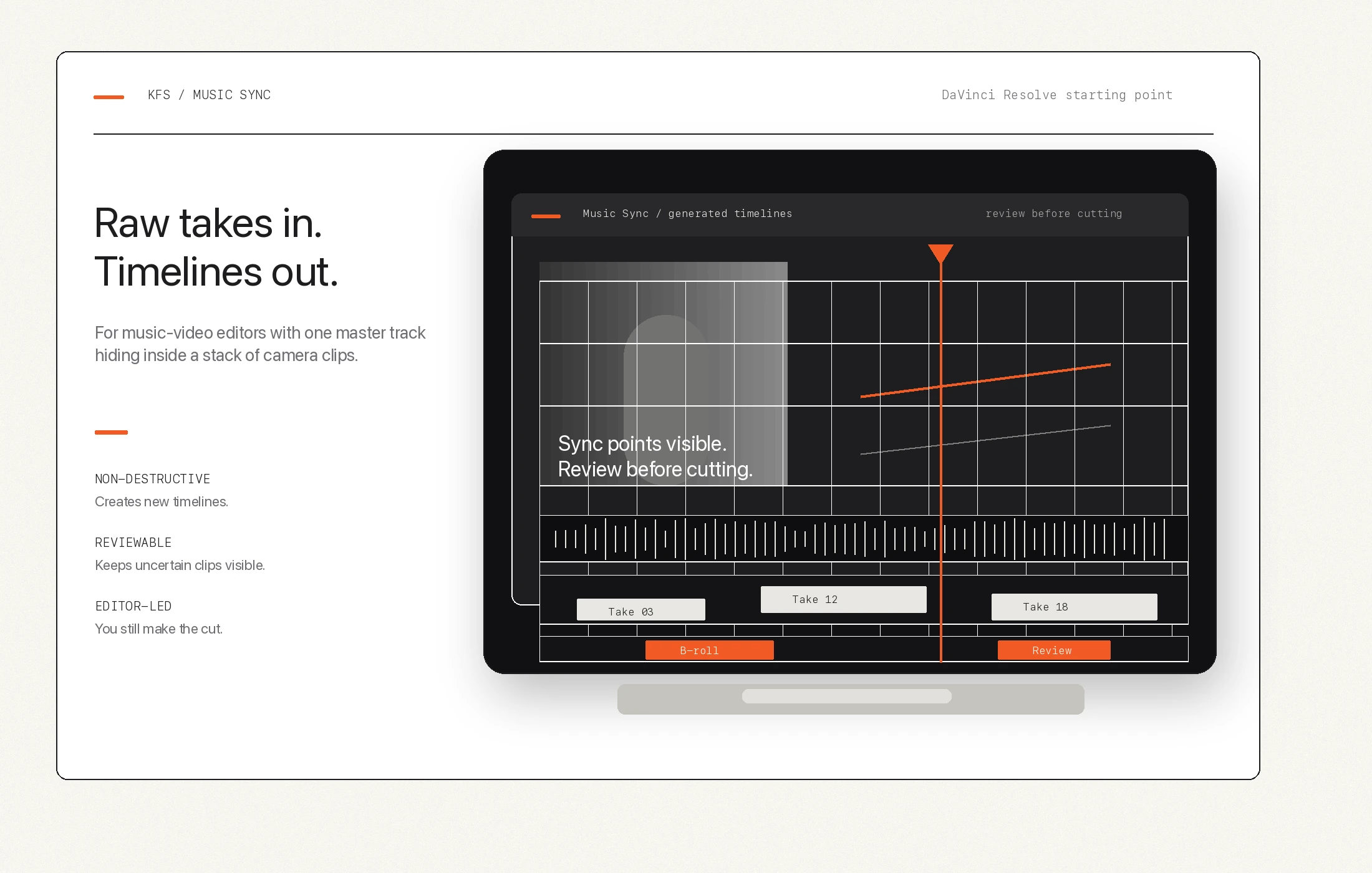
Confident matches can land in a synced performance timeline, while uncertain clips remain visible for review.
Boundary
The generated timeline helps the editor start cutting. It does not choose the performance, pacing, color, or story.
Best fit
Good fit: music videos, dance films, performance clips, rehearsal coverage, and repeated takes recorded with song playback.
Weak fit: dialogue scenes, traditional timecode multicam, corporate interviews, or footage where the camera audio has no useful version of the song.
Human review still matters: quiet, distorted, partial, or off-speed clips may need editor judgment.
Related pages
How built-in beat detection differs from camera-take syncing.
What needs to be true before Music Sync can help a real project.
The main product overview, access request, and workflow summary.
A companion tool for creative Macs and storage cleanup decisions.