Resolve beat detection
Finds rhythm in the music.
Useful for cutting, marker placement, rhythmic reference, and editorial timing once the music track is already in the timeline.
Resolve beat detector comparison
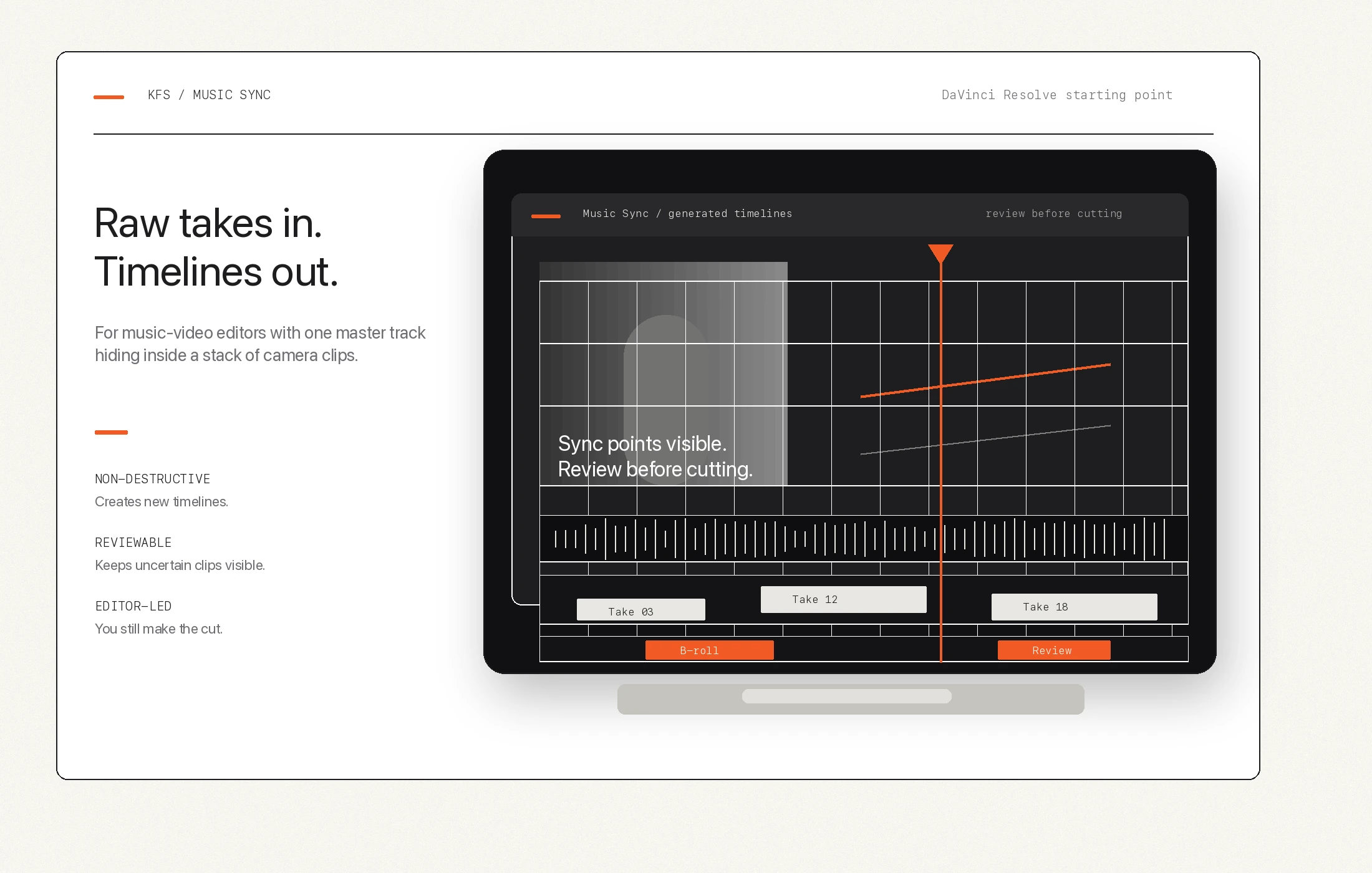
DaVinci Resolve beat tools help identify rhythm inside a music track. KFS Music Sync is about finding where each camera take belongs against that track.
Resolve beat detection
Useful for cutting, marker placement, rhythmic reference, and editorial timing once the music track is already in the timeline.
KFS Music Sync
Useful when dozens of camera clips need to be placed against a master track before the creative edit starts.
Together
Beat detection can help rhythm decisions. Music Sync helps build the starting orientation layer for footage.
The practical distinction
Use beat detection when you want markers or rhythm clues on the master music track.
Use Music Sync when you need to find where a camera clip's scratch playback belongs in the song.
Use manual review when audio is too quiet, distorted, partial, or unrelated to the track.
Do not expect either tool to make final creative choices about performance, story, or pacing.
Beat tools vs sync tools
Editors often search for "beat sync" or "music sync" when they are stuck lining up a pile of music-video takes. The useful distinction is simple: Music Sync is a starting timeline tool for performance footage, not a general rhythm editor.