Cache
Media cache and database files.
Generated playback and indexing data can become large and may be rebuildable.
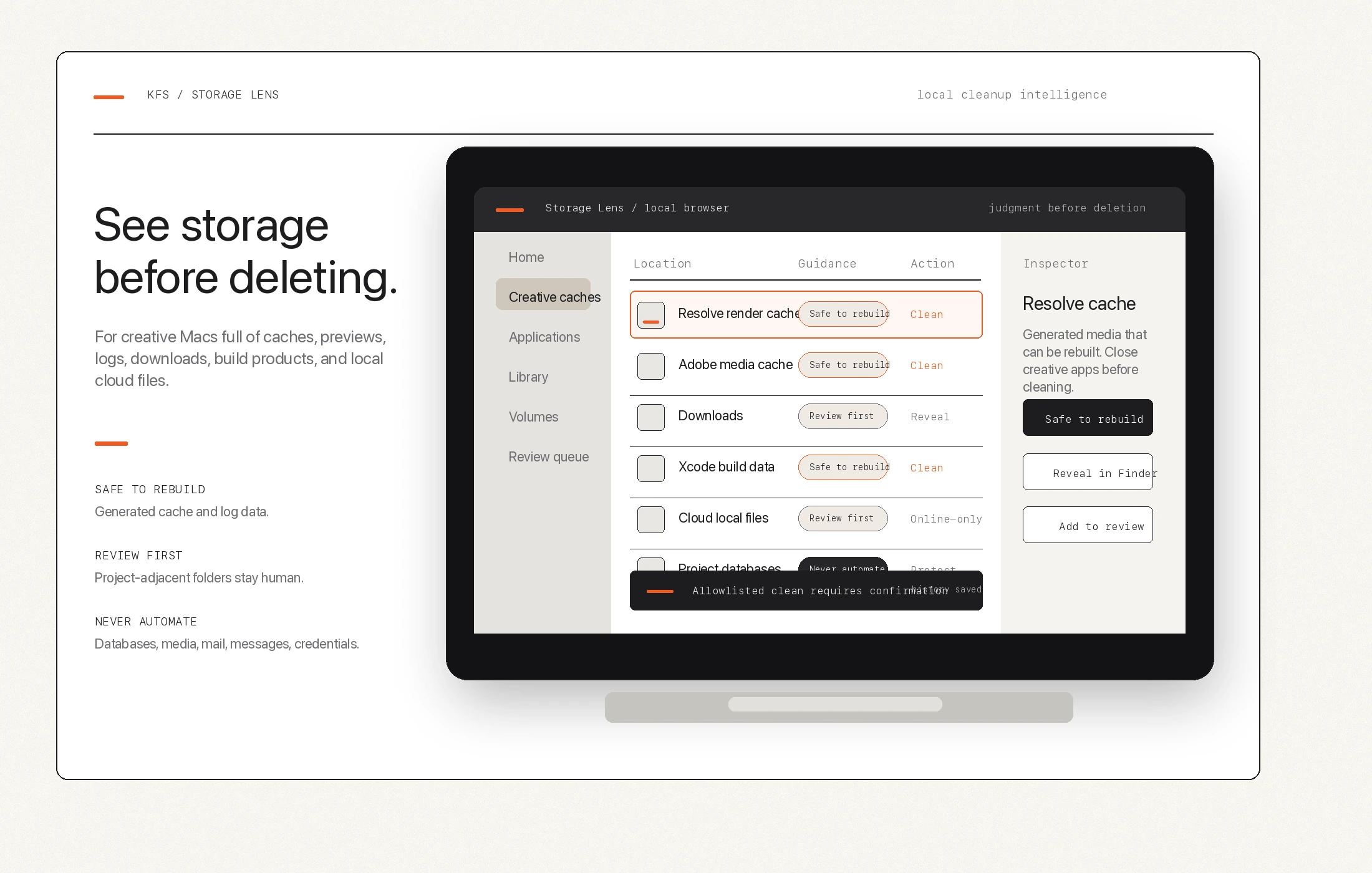
Adobe media cache cleanup on Mac
Adobe workflows can create media cache files, media cache database files, peak files, previews, and recovery-like support folders. Storage Lens keeps generated files separate from project data and app-owned settings.
Cache
Generated playback and indexing data can become large and may be rebuildable.
Previews
Previews and peak files are useful, but they should be labeled before cleanup decisions.
Protected
Creative app state and source work stay away from one-touch cleanup.
The safer frame
Generated cache can often be rebuilt, but users should still know what app created it.
Preview packages can be big, but may be important for current work.
Catalogs and presets are not generic junk and should not sit in broad automation.
Storage Lens is built to show the difference before the delete decision.